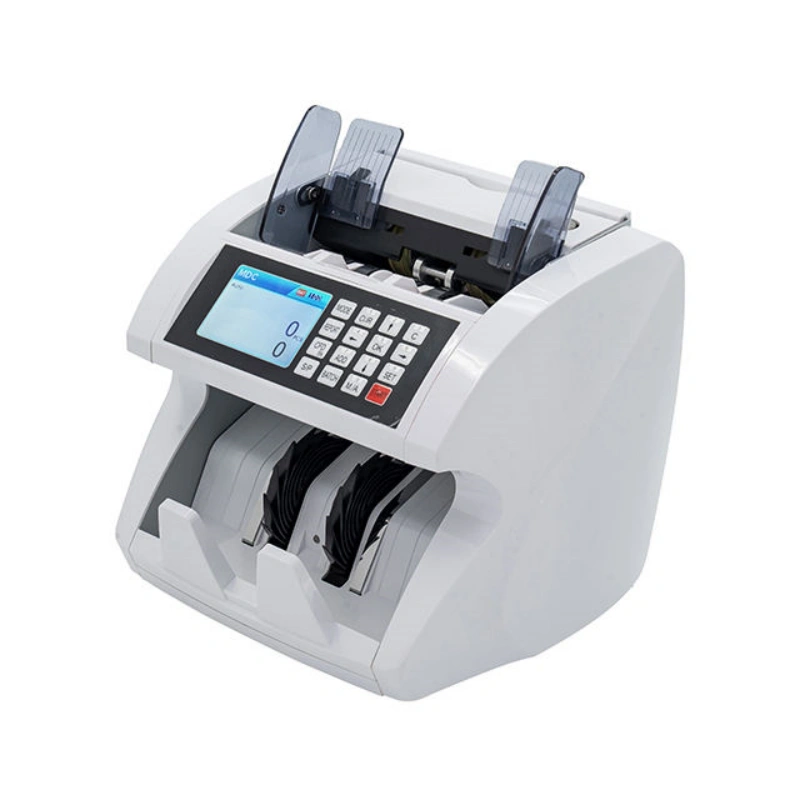
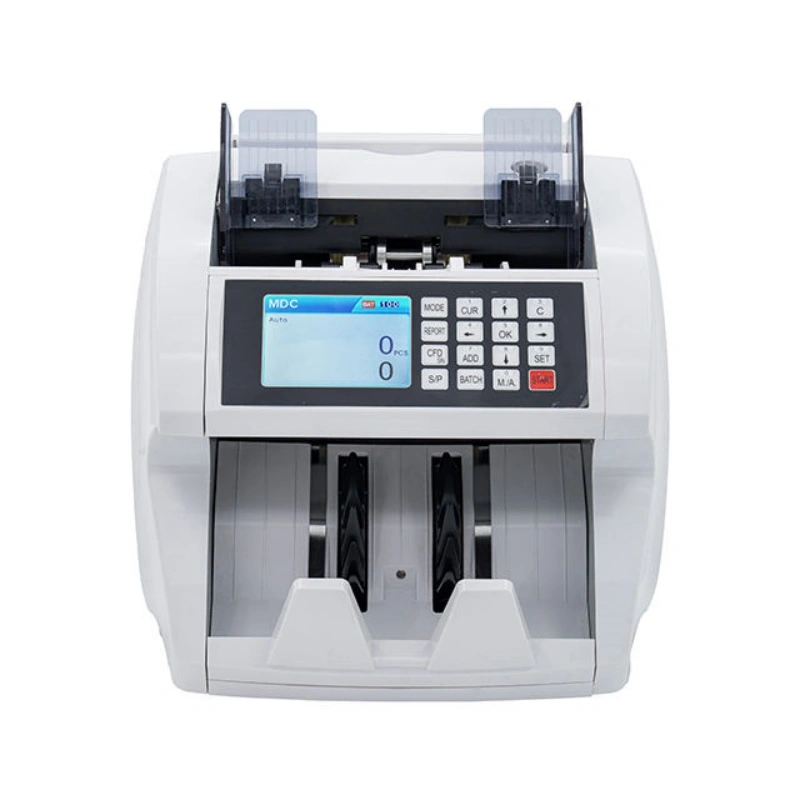
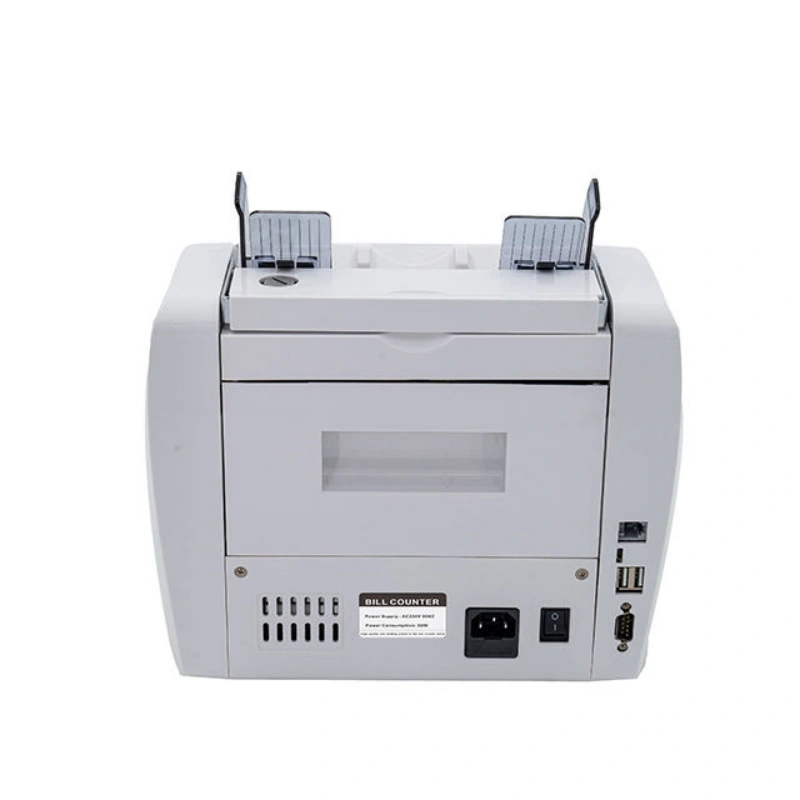
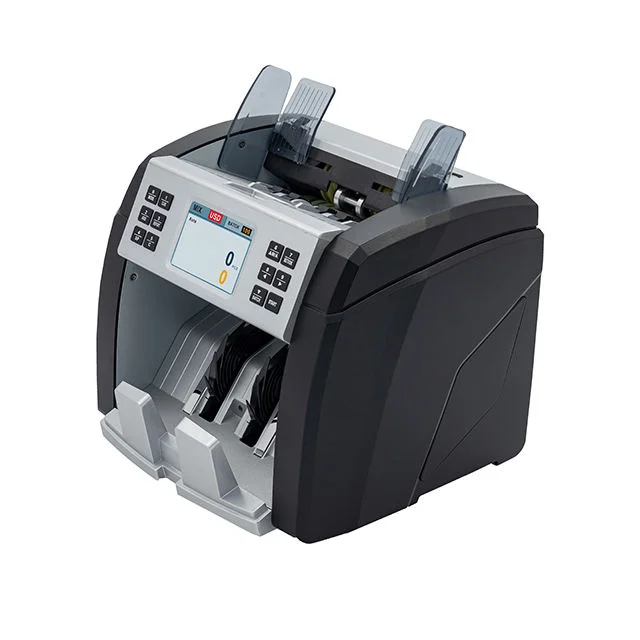
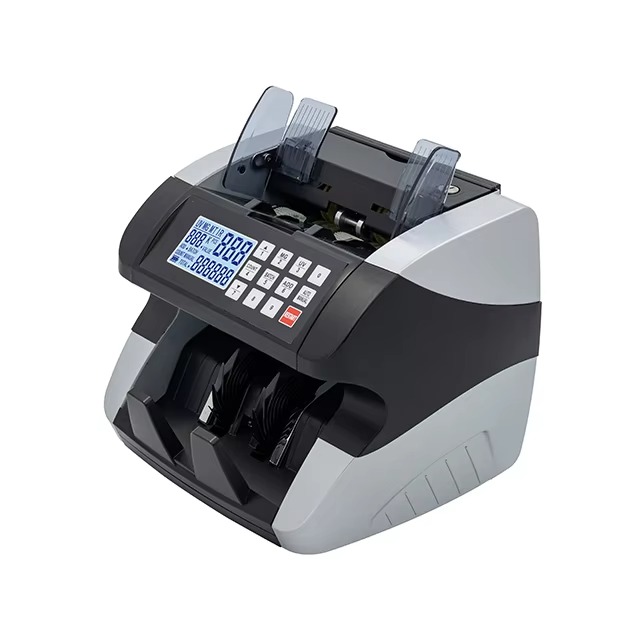
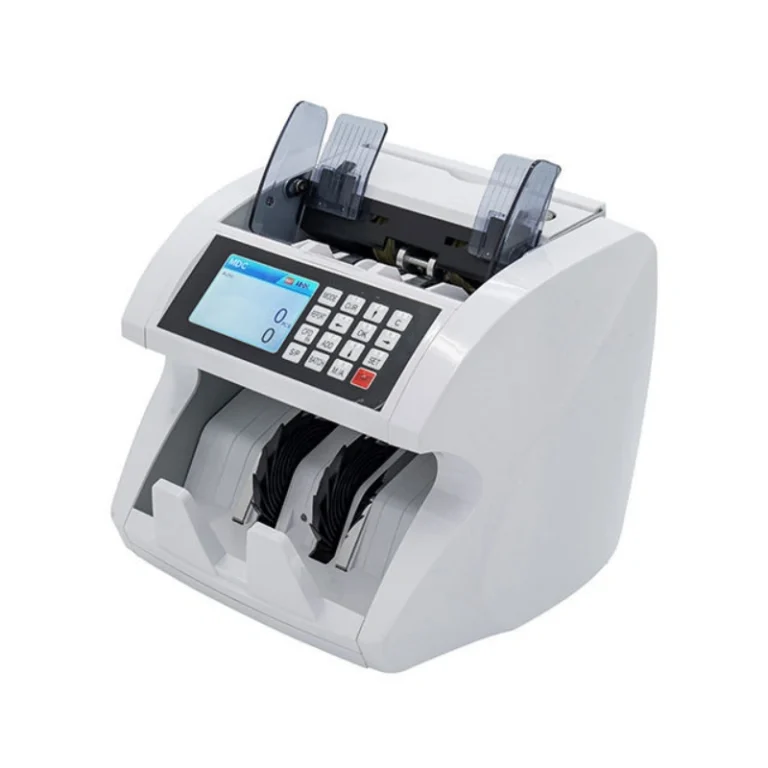
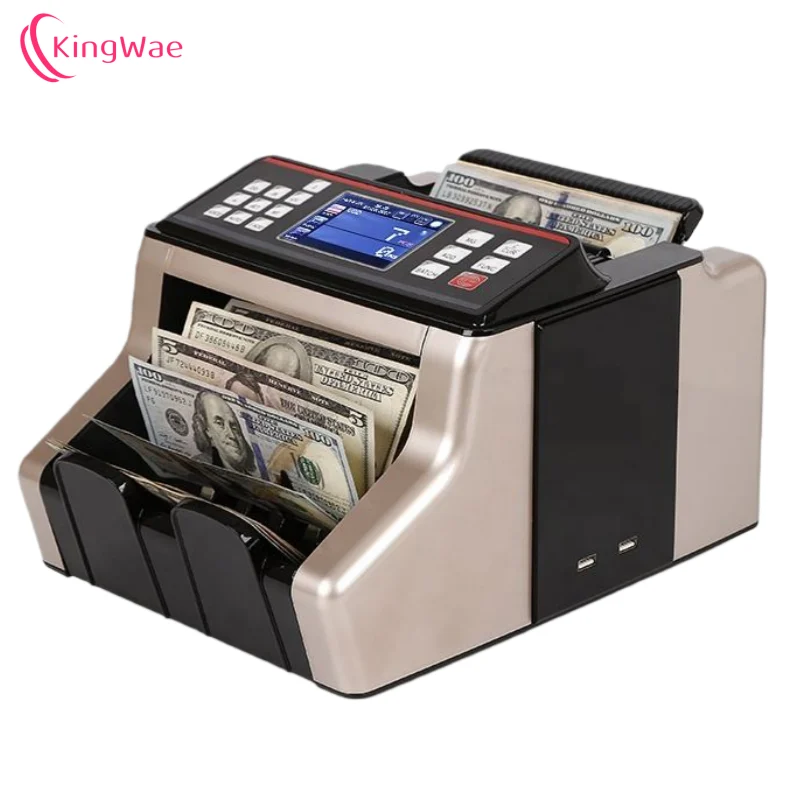
The JN-1685A is a high-performance multi-currency value counting machine designed for professional cash handling applications.
With 2 CIS imaging technologies, advanced counterfeit detection, and USB software upgrade capability, it offers a cost-effective and reliable solution for counting, sorting, and verifying banknotes from multiple currencies.
The machine supports mixed denomination value counting, denomination sorting, serial number scanning (USD & EURO), and detailed counting reports, making it suitable for banks, exchange offices, retail chains, and cash-in-transit operations.
Key Features
-
2 CIS technology with stable image recognition
-
Supports up to 14 currencies (different software per currency)
-
USB software upgrade, fast and convenient
-
Mixed denomination value counting (MDC mode)
-
Denomination sorting and checking (SDC mode)
-
Free counting mode without counterfeit detection (CNT mode)
-
Counterfeit detection by UV, MG, MT & CIS
-
Serial number scanning for most major currencies
-
Counting report and detail review
-
TFT color display
-
RS232 & USB communication interfaces
Working Modes
MDC – Mixed Denomination Counting
Counts mixed banknotes and displays the total amount and total pieces while checking counterfeit notes.
SDC – Single Denomination Sorting
Sorts different denominations. When a different denomination is detected, the machine stops and alerts, while checking counterfeit notes.
CNT – Free Counting Mode
Counts banknotes without counterfeit detection, optimized for high-speed quantity counting.
Control Panel & Function Keys
-
MODE – Select MDC / SDC / CNT modes
-
OK – Confirm selection / Exit interface / Print result (MDC mode)
-
START – Start counting or return to normal counting mode
-
CFD – Enable/disable serial number scanning (USD & EURO only)
-
S/P – Counting speed selection
-
800 pcs/min (MDC & SDC)
-
1000 pcs/min (MDC & SDC)
-
1200 pcs/min (CNT)
-
M/A – Manual or auto start counting
-
ADD – Enable/disable accumulation function
-
C – Clear and reset to zero
-
BATCH – Batch counting with numeric keys (0–9)
-
REPORT – Display detailed counting records
-
CUR – Currency selection
-
SET – System settings menu